

VBA Password Recovery for Microsoft Office 95-2024-365 documents
VBA Password Recovery module is of great help when you're in need to instantly recover lost or forgotten password to a VBA project. | |
|
Protection of VBA projects is implied when you need to protect the create code from its being accidentally or deliberate damaged or modified. But what would you do in case you've lost or forgotten your VBA password? It can be recovered. And very easily!
The peculiarity of passwords in VBA projects is that they're found instantly! All you need is the right VBA Password Recovery tool.
VBA Supported Software
We provide a line of programs that help you recover lost or forgotten passwords to your documents created in Microsoft Office applications:
- Accent ACCESS Password Recovery for Microsoft Access databases;
- Accent EXCEL Password Recovery Microsoft Excel spreadsheets;
- Accent WORD Password Recovery for Microsoft Word documents;
- Accent OFFICE Password Recovery for all the above mentioned types of documents.
Note! Each our application features a VBA Password Recovery module for your VBA projects!
Quick Info
Latest version: 25.04 April 28, 2025
- Overall performance improvements: The core of the program has been updated, resulting in faster lost password recovery.
Size: 8024 Kb
:  Windows 11/10 and earlier versions of Windows
Screenshots
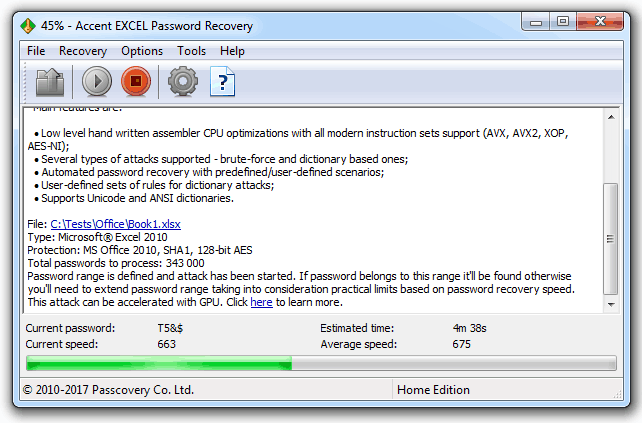
Main window
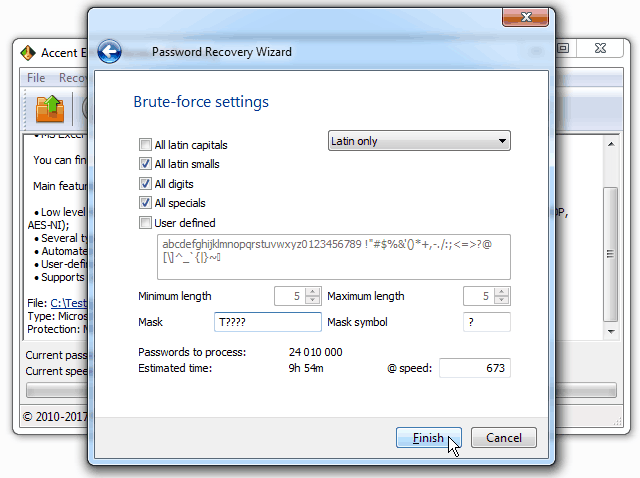
Choosing a Password attack in AccentWPR
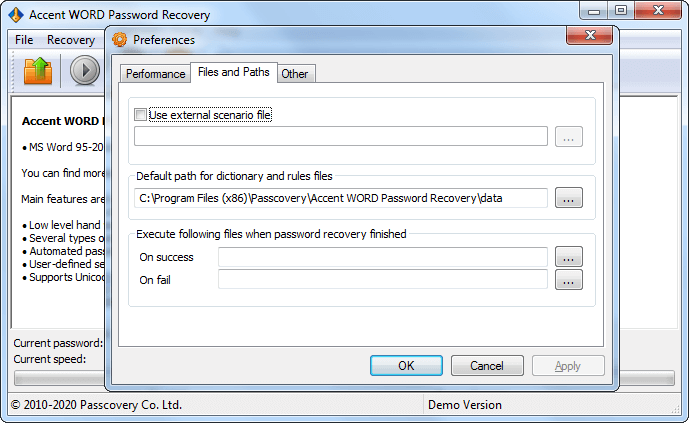
Program Settings

Official AccentEPR Icon


Main window Task Setup


